
Use / First run
First run
Open the pane, sign in, create or join a room and send your first message.
-
/chatopens the pane. -
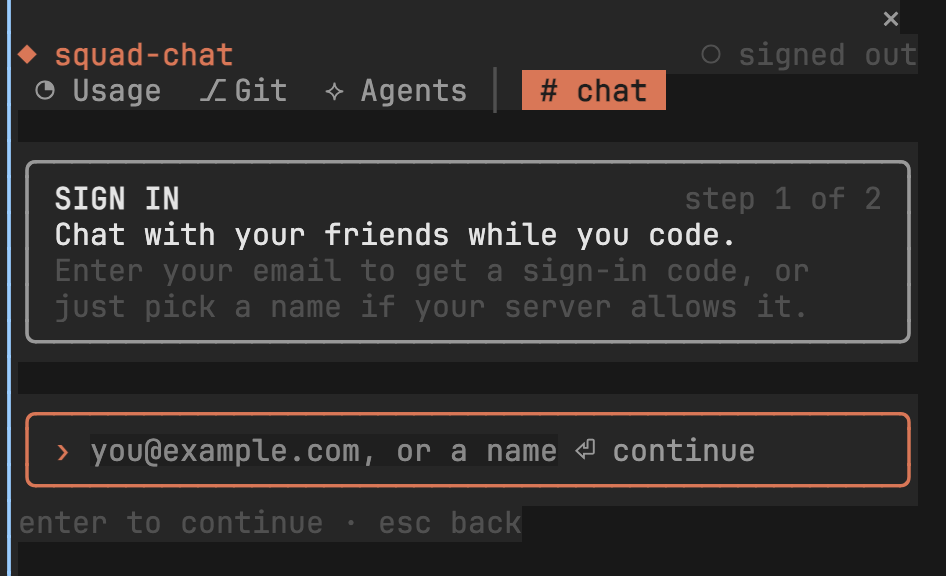
Sign in, depending on how your server is set up:
- With a name: type the name you want and press Enter. That’s it.
- With your email: type your email and press Enter, then type the code from the email.
-
Create a room and give its name and passcode to your friends. Type this in the pane:
/room our-team some-passcodeYour friends join with the same line.
-
Chat: type in the pane and press Enter. Esc goes back to the prompt.
Sign in from the prompt
Section titled “Sign in from the prompt”You can also sign in without opening the pane:
/chat-login you@example.com sends the code/chat-login 12345678 the code from the email/chat-login captain with just a name, where the server allows it- Commands for everything you can type
- Built-in rooms for the Usage, Git and Agents tabs